
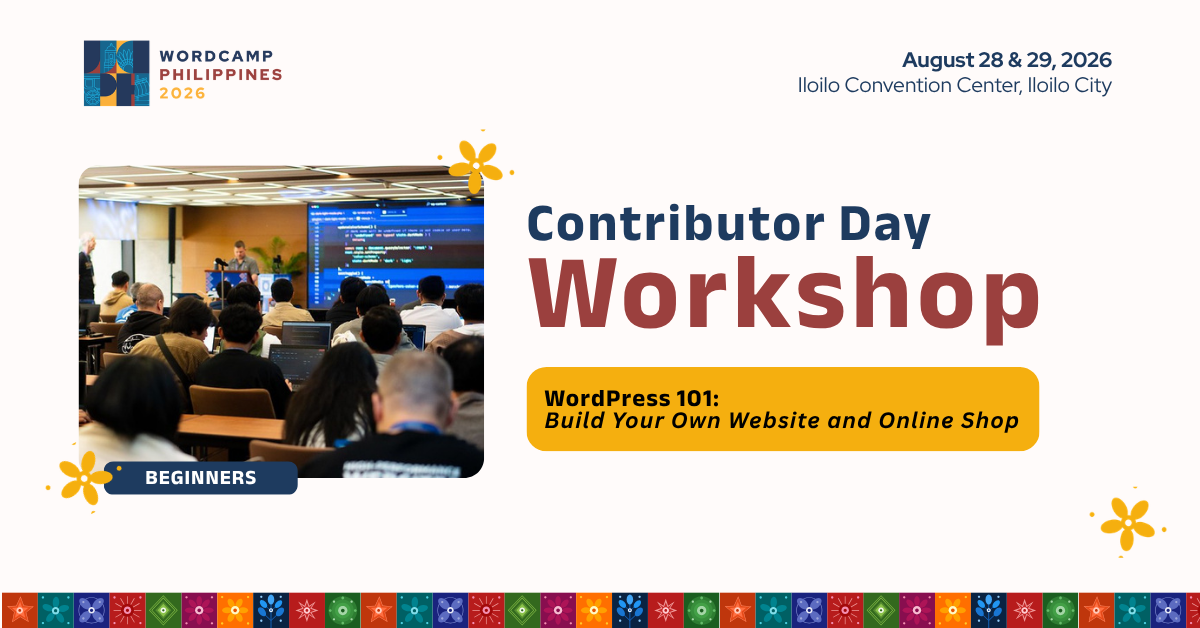
Have you ever wanted to create your own website or launch an online shop, but didn’t know where to start?
As part of Contributor Day at WordCamp Philippines 2026, we’re excited to announce WordPress 101: Build Your Own Website and Online Shop, a hands-on beginner workshop happening on August 28, 2026.
This workshop is designed specifically for beginners. Whether you’re a student, freelancer, entrepreneur, small business owner, or simply curious about WordPress, this session will guide you through the process of building a website and creating a simple eCommerce shop from scratch.
Workshop expectations
This is a hands-on workshop, not just a lecture. You’ll build your own website on your laptop during the session, and our facilitators will be there to guide you every step of the way.

During the workshop, you’ll learn:
- What WordPress is and how it works
- How to navigate the WordPress dashboard
- The difference between pages, posts, themes, and plugins
- How to use the Block Editor (Gutenberg)
- How to create a homepage and shop page
- How to add products and organize them into categories
- How to build a simple online shop
- How the shopping cart and checkout process works
Duration: 2 Hours (09:30 AM – 11:30 AM)
Limited Slots – 20 slots Only (First Come, First Served). Register below.
We’ll also explain common WordPress terms in beginner-friendly language, so you won’t feel overwhelmed if this is your first time using WordPress.
By the end of the workshop, you’ll have a working WordPress website with your own online shop running locally on your laptop.
Who should join?
This workshop is perfect for:
- Students
- Freelancers
- Small business owners
- Online sellers
- Creators and entrepreneurs
- Anyone interested in learning WordPress
No coding experience is required.
What to prepare before August 28
To make the workshop smooth and productive, please prepare your laptop before arriving.
1. Set up your local site

A. Install WordPress Studio before the workshop
To make the most of the workshop, please install WordPress Studio on your laptop before August 28, 2026.
WordPress Studio is a free application that lets you run WordPress locally on your computer, so you can build and practice your website without purchasing hosting or a domain name.
B. How to Install WordPress Studio
- Visit https://developer.wordpress.com/studio/
- Download the version for your operating system (Windows or Mac)
- Open the installer and follow the installation instructions
- Launch WordPress Studio after the installation is complete
Please make sure WordPress Studio is installed and working before arriving at the workshop. Having it ready will help us spend more time building your we
2. Download the workshop files
Please download the workshop materials, demo images, data, and workbook. Save it on your laptop so it will work even without internet or even if there’s an internet connection issue during the workshop:
Save it somewhere easy to find.
What to bring
Please bring:
- A laptop (Windows, Mac, or Linux)
- WordPress Studio installed
- The workshop files downloaded
- Your local WordPress site set up (if possible)
Having everything ready before the workshop will allow us to spend more time building and learning together.
Join us on August 28, 2026
Contributor Day is one of the best opportunities to learn WordPress in a friendly, supportive, and collaborative environment. If you’ve been waiting for the right time to start building websites or explore eCommerce with WordPress, this is a great place to begin.
Join us on August 28, 2026, during Contributor Day at WordCamp Philippines 2026, and build your first online shop with WordPress.
Register for the Workshop
Limited Slots Only
